
The admin assistant: ask the store instead of hunting through menus
A panel on every admin page reads the store with the same tools as the API, prepares changes that wait for a confirmation, and can run as a scheduled task.
Finding the right order, working out which setting moves a price, writing a product description: all of it happens inside the admin, one screen at a time. 26.11.0 adds a panel that turns it into a question. Open it with Option+A or Alt+A on any page and ask the store.
What it does
The assistant reads the store through the same tools the MCP server exposes, which means the permissions, the validation and the errors of the API: an administrator only reaches what their ACL allows. The answers carry links to the records, so a list of orders waiting to ship opens one row at a time.
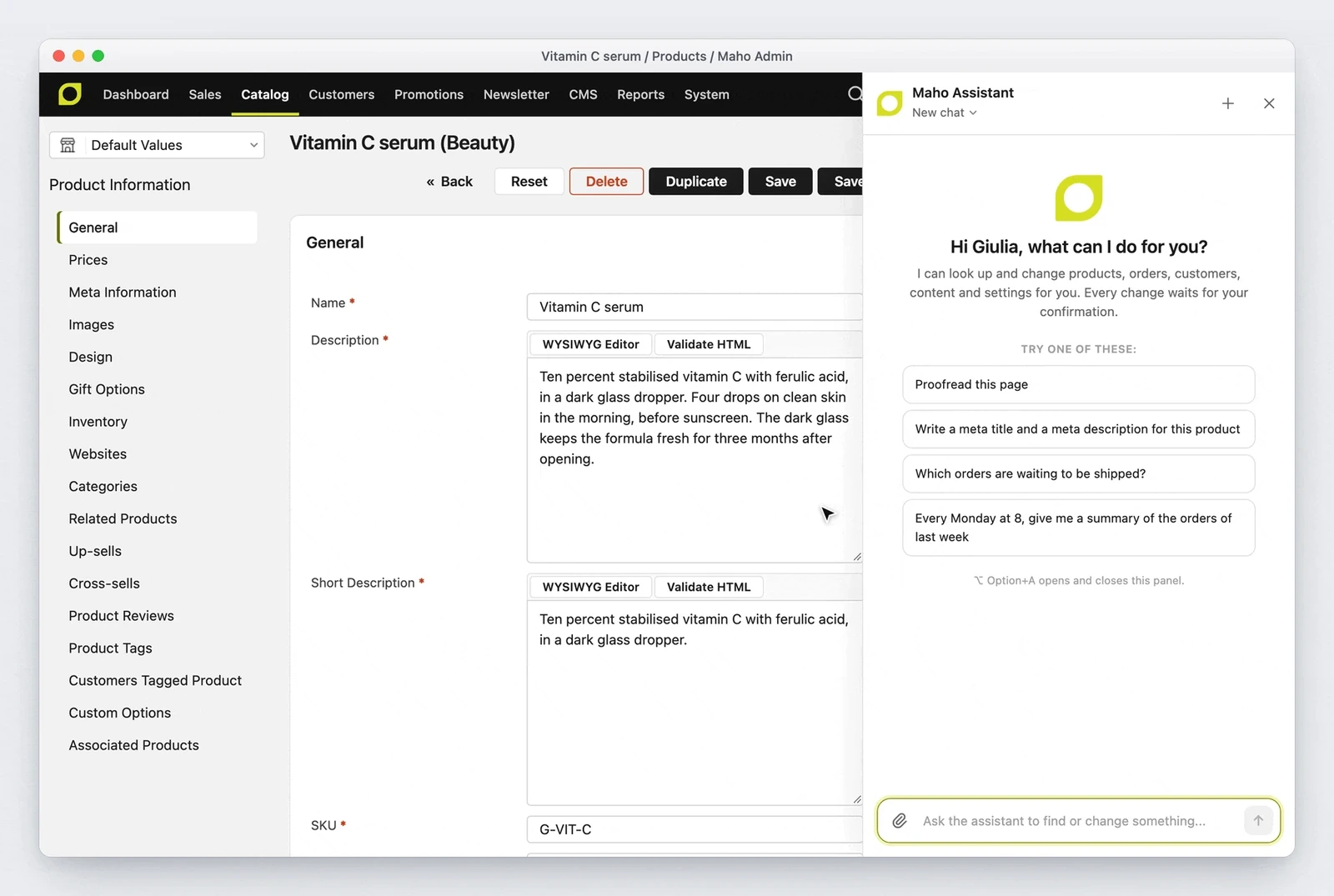
On a record page the panel does one more thing: it fills the open form. Nothing is saved until somebody clicks Save, so the draft gets read once more before it reaches production.
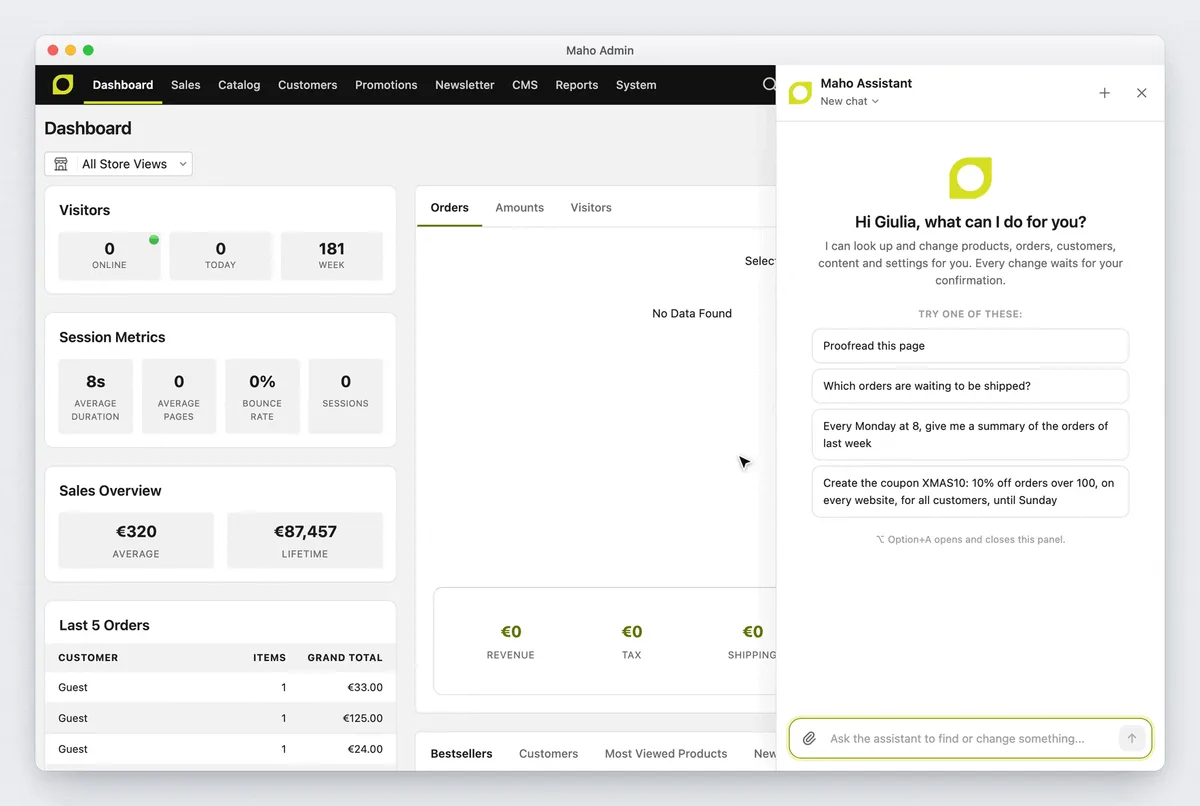
Two rules make the whole thing usable:
- every write waits for a confirmation, with the value before and after. A coupon built from one sentence is visible before it exists;
- a confirmed change can be undone, and the undo goes through the same log as every other write.
Beyond the API tools, the model gets local tools: open an admin page, fill a form, act on the page, read and correct the text of the open form without saving, read the content editor guide, keep notes, read text and image attachments, generate images, start a job in the background and send a notification.
Turning it on
The panel is off by default. It needs:
- System > Configuration > AI > Assistant > Enable Admin Assistant set to Yes;
- a configured AI provider, with its key and model;
- the
system/ai/chatACL resource for the administrators who use it.
Conversations belong to one administrator. Custom Instructions, up to 2000
characters, go into the system prompt of every administrator, and a module can
replace the prompt builder with Mage::getModel('ai/chat_systemPrompt').
Scheduled tasks and the log
A request you make every week should not be typed every week. System > AI > Assistant Scheduled Tasks stores a title, an instruction, a cron expression in the store time zone (at most once an hour) and an audience: the owner, every administrator, or the administrators allowed an ACL resource of the owner. The edit page has Run Now and a Runs tab.
Two details matter more than they look:
- a run never writes by itself: a write waits in the run conversation for a confirmation, and the owner gets a notification;
- a run uses the permissions of the owner, that is the last administrator who saved the task, and the final answer lands in the admin inbox of the chosen audience.
Runs and background jobs are ai_task rows of a new type, worked by a
Maho\Queue worker. A task whose worker dies fails and says so in its
conversation, and it does not start again: its writes may already have run.
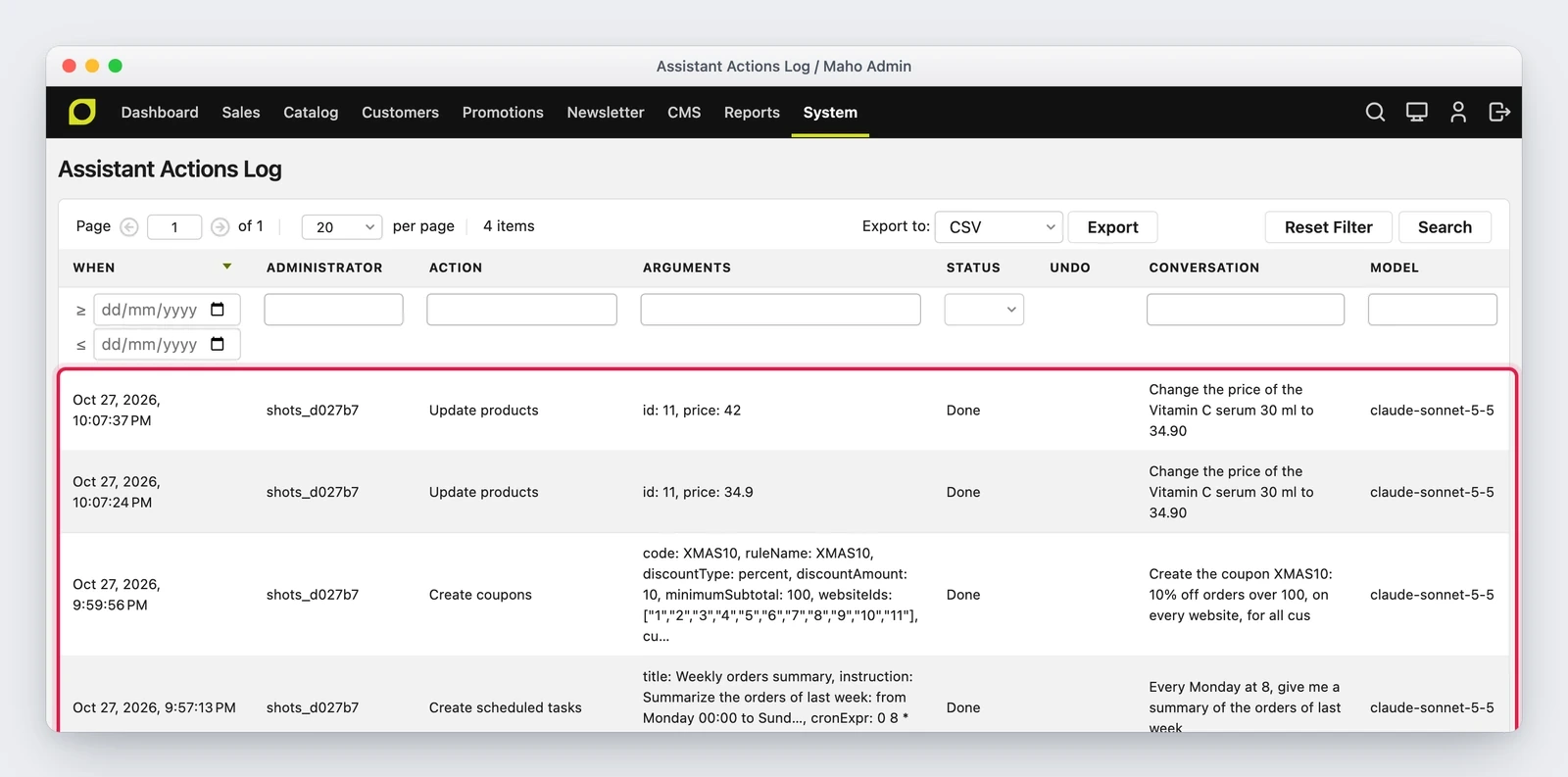
System > AI > Assistant Actions Log lists every write the assistant ran, denied or failed, with the administrator, the arguments, the status, the link to the conversation and the model. The grid has its own ACL entry, so somebody can be given read access without getting the panel.
How reliable it is
The number the release reports is an honest one: over 49 questions about swatches, catalog rules, settings and orders, Haiku 5.5 goes from 49% to 78% correct or honest answers, and Sonnet 5.5 from 76% to 94%. Part of that gain does not come from the model but from context: the user guide, the developer, API and hosting docs live in the repository next to the modules, so the assistant reads the page of the right version and knows which page describes the screen that is open.
The limit of these tools stays: the answer has to be read. The panel helps because the confirmation shows the before and after, and because the log is there afterwards.
Where it is not the right tool
- The context cost: a request with the sales and customers sections loaded carries about 50,000 tokens of tool schemas. On a busy store and a metered provider, that is worth knowing.
- Bulk writes remain a job for an import, not for a chat.
- Record links carry the storefront store code (
/default/admin/...): the page opens, it is a cosmetic detail.
An assistant that asks before touching the catalog is a careful colleague; one that touches the catalog and apologises later is an incident.
If the store had already turned MCP on
symfony/mcp-bundle and nyholm/psr7 are required packages now, so a store that
turned MCP on before they were installed has a live endpoint at /api/mcp. Check
the toggle in System > Configuration > Services > API and the MCP Requires
Authentication setting.
In the same release, the new tools reach REST, GraphQL and MCP clients too: admin users and roles read only, cache types, configuration settings with their help text, design changes, email templates, themes, URL rewrites, index processes, widget types and catalog price rules.
Text prepared with the help of AI and checked against the source before publication. It can still contain mistakes: if you find one, report it.Read the manifesto
Source: MahoCommerce/maho#1505
Does your store still sell?
Tell us where you are starting from: we reply with a first assessment, no strings attached.
Ask for the store assessment